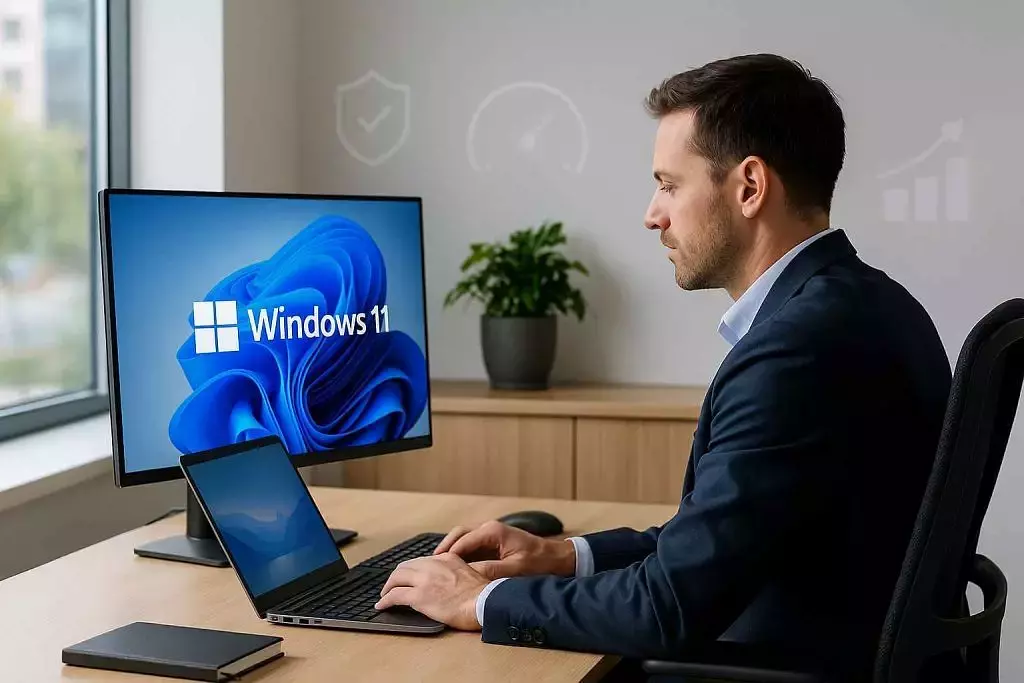
The clock is ticking, with Microsoft set to end support for Windows 10 on October 14, 2025. While that may feel far off, now is the time to start preparing.
Upgrading to Windows 11 ahead of the deadline isn’t just about compliance; it’s an opportunity to enhance security, boost productivity, and ensure your operations are ready for the future.
In this article, we’ll dive into the key advantages of making the switch to Windows 11.
Key Benefits of Upgrading to Windows 11
1. Enhanced Security Features to Protect Against Modern Threats
One of the most compelling reasons to upgrade to Windows 11 is its enhanced security framework. As cyber threats become increasingly sophisticated and targeted, robust security has never been more critical. Windows 11 offers significant improvements over Windows 10, designed to meet the evolving security challenges of today’s digital landscape.
- TPM 2.0 (Trusted Platform Module): This hardware-based security feature uses encryption to significantly strengthen the protection of sensitive data, making it more resistant to compromise. TPM 2.0 provides robust defenses against both data theft and unauthorized access.
- Windows Hello: A phish-resistant, two-factor authentication method that also includes built-in brute force protection. It allows users to log in using facial recognition, fingerprint scans, or a PIN, offering both enhanced security and greater convenience compared to traditional passwords.
- Virtualization-Based Security (VBS): Windows 11 advances VBS to create a secure, isolated environment for protecting critical system processes. This added layer of defense makes it more resilient to sophisticated cyber threats, such as ransomware.
While these features may appear complex, the key takeaway for organizations is that upgrading allows them to proactively tackle security challenges—minimizing the risk of costly cyber incidents and operational downtime.
2. Continued Support and Compliance
With Windows 10 support nearing its end, organizations must act fast to stay compliant. Once support is withdrawn, Microsoft will stop delivering updates—leaving systems exposed and raising serious compliance risks. Sticking with Windows 10 could result in:
- Non-compliance with industry regulations: Organizations in sectors such as healthcare, finance, and legal services are held to rigorous standards. Using an unsupported operating system could lead to regulatory violations, risking fines and penalties.
- Increased exposure to vulnerabilities: Without regular updates, systems become vulnerable to cybercriminals, jeopardizing sensitive data and operations. Upgrading to Windows 11 guarantees continued support and critical updates, ensuring both security and compliance.
3. Improved Productivity Tools
Windows 11 brings a range of powerful features designed to boost productivity. While Microsoft’s list of improvements is extensive, the key enhancements streamline workflows, enabling employees to accomplish more in less time, ultimately driving operational efficiency.
Here are a few standout features:
- Snap Layouts and Snap Groups: These tools empower users to effortlessly organize and manage multiple windows, enhancing multitasking and streamlining workflow. Employees can seamlessly switch between tasks, staying on top of their work without missing a beat.
- Virtual Desktops: Windows 11 simplifies creating separate virtual desktops for different tasks or projects, offering a more organized workspace. This is perfect for employees juggling multiple tasks at once, helping them stay focused and efficient.
- Focus Sessions: Windows 11’s Focus Sessions are designed to eliminate distractions and boost productivity. With features like a focus timer, ‘Do Not Disturb’ mode, and the option to pause app alerts and badge notifications, employees can stay laser-focused on their tasks and achieve more in less time
4. Future-Proofing Your Organization
Upgrading to Windows 11 sets the stage for long-term growth by future-proofing an organization’s IT infrastructure. With new technologies and applications tailored for Windows 11 and beyond, this upgrade ensures organizations remain agile and competitive. Continuing to use Windows 10 may restrict access to the latest innovations, limiting an organization’s ability to stay ahead.
Here are a few examples:
- Cloud Integration: Windows 11 is designed for the cloud-first era, offering seamless integration with Microsoft 365 and other cloud platforms. This empowers organizations to enhance remote work capabilities, boost collaboration, and access scalable, flexible IT resources.
- Support for Modern Hardware: Windows 11 is optimized for cutting-edge hardware, delivering superior performance on modern devices. Upgrading now ensures your organization stays ahead, fully compatible with future technologies, and ready for growth and innovation.
Conclusion
Upgrading to Windows 11 is a crucial step in securing your organization’s future, with enhanced security, productivity tools, and long-term support. At MicroAge, we specialize in making the transition seamless and ensuring your systems are primed for success. Don’t wait until it’s too late—contact us now to start your upgrade and stay ahead of the curve.
Share