Midway through the year is a good time for businesses to step back and evaluate what’s working, what’s changed, and where adjustments need to be made. For many organisations, one challenge has become increasingly difficult to ignore: ongoing hardware shortages.
Over the past year, businesses have continued to experience longer lead times and higher costs for critical hardware components, particularly memory and SSD storage. As AI adoption accelerates across industries, demand for the infrastructure that powers these technologies is placing even greater pressure on global supply chains.
While availability has improved in some areas, organisations should expect hardware procurement to remain unpredictable for the foreseeable future. More than ever, businesses need to take a strategic approach to hardware planning rather than waiting until something goes wrong to take action.
Keep reading to learn how your organisation can build a more resilient hardware strategy.
Planning Today Helps Prevent Problems Tomorrow
With hardware shortages expected to continue, businesses can no longer afford to wait until a device fails before thinking about a replacement. A little planning today can prevent costly delays, unexpected downtime, and rushed purchasing decisions later.
The good news is that building a stronger hardware strategy doesn’t necessarily require a bigger budget. It’s about understanding your technology, knowing where to invest, and making informed decisions that keep your business running smoothly, even when hardware isn’t readily available.
Here are a few practical ways to prepare.
Make Your Hardware Go Further
Buying new equipment is not always the only answer. Many devices still have plenty of life left in them, and a simple upgrade, such as adding more memory or replacing a traditional hard drive with an SSD, can make a noticeable difference in performance.
Rather than replacing everything on a fixed schedule, evaluate each device based on how well it’s supporting your business. Some systems can continue performing reliably for years, while others become a risk if they’re left in service too long.
Things to consider:
- Evaluate hardware based on performance and business needs, not just its age.
- Upgrade memory or storage before replacing an entire device.
- Review your hardware lifecycle regularly to identify systems nearing end of life.
Give Yourself More Procurement Options
Standardizing on one manufacturer or device model makes management easier, but it can become a challenge when that product is suddenly backordered.
Having a few approved alternatives gives your IT team more flexibility and helps keep projects on track when inventory is limited. A little preparation now can save weeks or even months of waiting later.
Points to consider:
- Pre-approve multiple hardware vendors or equivalent device models.
- Identify acceptable alternatives before you need to place an order.
- Order critical equipment earlier to account for longer lead times.
Refresh the Systems That Matter Most
Not every device needs to be replaced at the same time. If hardware is difficult to source or budgets are tight, start with the systems your business depends on every day.
Servers, networking equipment, cybersecurity infrastructure, and employee devices that support core operations should take priority. Less critical equipment can often remain in service a little longer if it’s still performing well.
Points to consider:
- Rank hardware based on its importance to business operations.
- Prioritize systems that support security, productivity, and business continuity.
- Delay lower-priority refreshes where the risk is low.
Keep Spare Hardware for Critical Systems
If a key server or network device fails, waiting weeks for a replacement may not be an option.
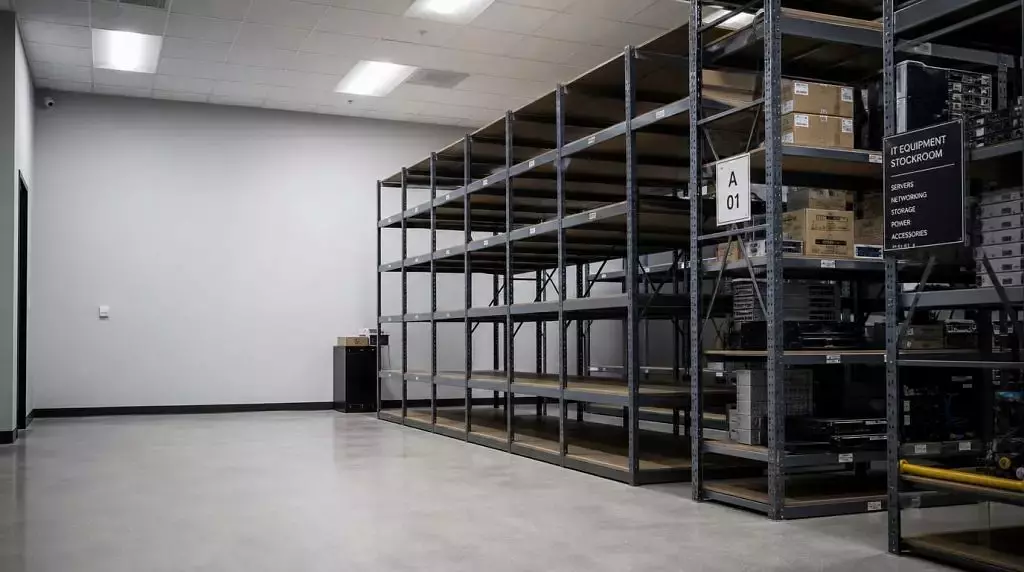
Keeping a small inventory of critical replacement equipment can significantly reduce downtime and help your team get back up and running much faster. The right spare inventory will depend on your environment, but it’s worth identifying the equipment your business simply can’t operate without.
Points to consider:
- Keep spare drives, memory, power supplies, or networking equipment for critical infrastructure.
- Maintain a small number of replacement laptops or desktops for essential users.
- Review your spare inventory regularly to ensure it still matches your current environment.
Looking Ahead
Hardware shortages are not likely going to disappear overnight. As demand for AI infrastructure continues to grow, businesses should expect procurement timelines for some components to remain unpredictable.
The organisations that will be in the best position aren’t necessarily the ones spending the most on technology. They’re the ones planning ahead, staying flexible, and making thoughtful decisions about where and when to invest.
At the end of the day, a good hardware strategy is about more than replacing aging devices. It’s about giving your business the flexibility to adapt and the confidence to keep moving forward, regardless of what the supply chain brings next.
Is your organization’s hardware strategy built for today’s reality? Connect with your local MicroAge experts to review your hardware roadmap, plan your technology budget, and build a strategy that helps your business stay productive, resilient, and prepared for whatever comes next: https://microage.ca/contact-us/
Share