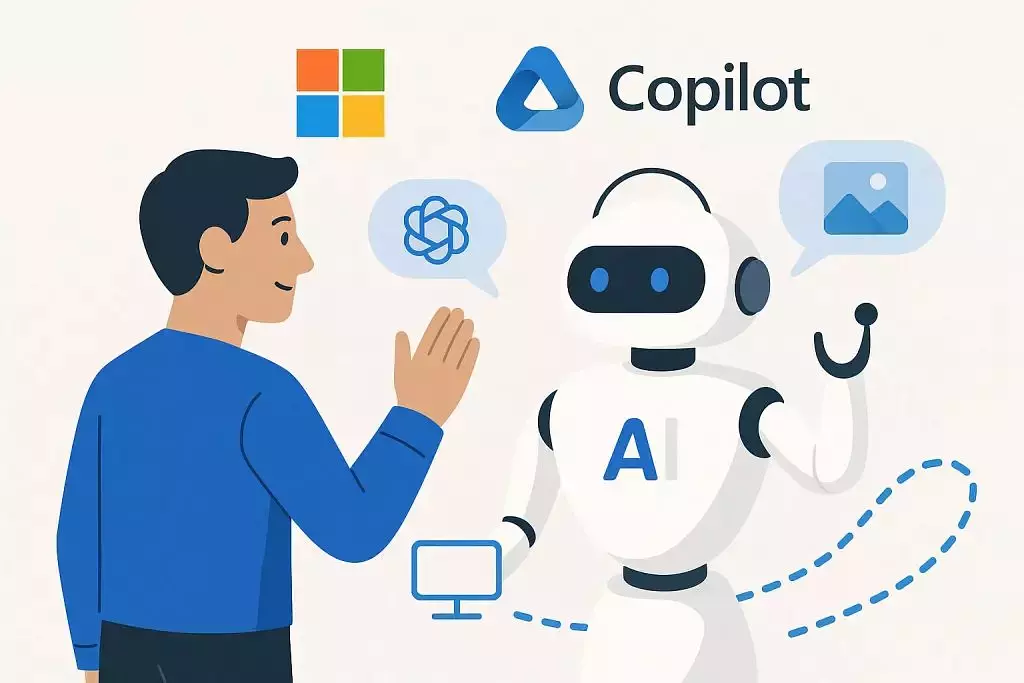
You’ve likely heard of Agentic AI, a form of AI that can make decisions and act independently, and Generative AI, such as ChatGPT, that can generate content such as text and images, from user prompts. But what happens when these two revolutionary technologies combine?
What if we told you Microsoft just launched a tool that blends the power of Copilot with the autonomy of Agentic AI? Well, they have. Meet Microsoft Copilot agents, AI-powered tools that build on Copilot and take productivity and task automation to the next level. Curious how they work, how they can benefit your organisation, and what challenges come with using such advanced systems? Keep reading to find out.
So, What Exactly Are Copilot Agents?
First off, you might be wondering what exactly Copilot agents are and how they work. In essence, a Copilot Agent is like an autonomous AI worker, built using Copilot Studio and is customised to meet the needs of various teams, such as sales, marketing, customer service and more.
For instance, a marketing Copilot agent might automatically generate and post social media content, while a sales Copilot agent can log meeting notes.
Ultimately, Copilot agents are designed to enhance the utility of Microsoft 365 Copilot within your existing setup. They work seamlessly with the tools and workflows your organisation already relies on, using your data to help complete tasks across different Microsoft applications.
Building Copilot Agents
There are two ways to build Copilot agents, depending on the level of customisation needed and the level of technical expertise available. The first option is a built-in, low-code method that uses Microsoft’s existing tools and AI models. With Copilot Studio, users can determine what the agent should know, how it should operate, and what tasks it should be able to handle. This makes it easy to build fully customised agents that work smoothly within Microsoft 365 apps such as Teams or Outlook. It’s a great option for teams that want to get started quickly without needing complex technical skills.
The second approach is more advanced and gives developers or IT teams full control over how the agent behaves. Instead of relying on Microsoft’s built-in tools, you can use your own AI models, logic, and integrations to build highly customised agents. This flexibility lets you create agents that can handle complex workflows, connect with your internal systems, and deliver value that’s unique to your business.
Why Use Copilot Agents?
At this point, you might be thinking that Copilot agents sound almost too good to be true and, in many ways, they are.
Here are just a few of the advantages of Copilot agents:
- Copilot agents can grant faster access to information
Thanks to their ability to understand natural language, Copilot agents can gather information from different sources in seconds, allowing users to spend less time searching for information.
- Reduced Workload and Fatigue
Because Copilot agents function as actual digital assistants, another way they can ease workloads is by suggesting next steps in the completion of a particular task or project, reducing user efforts while also preventing errors.
- Improved teamwork
Copilot agents can facilitate communication between teams by summarising meetings, drafting emails, and sharing the right information with the right people, so no one misses a beat.
Considerations When Using Copilot Agents
Copilot agents unlock exciting new possibilities, but like any powerful tool, they require thoughtful management. As organizations adopt these capabilities, it’s important to stay aware of how they’re used and governed to ensure maximum benefit. For instance, it can be tricky at first to track who’s building agents, how many are in use, and where they’re stored. That’s why it’s helpful to establish clear guidelines around access, visibility, and governance — such as designating a central SharePoint location or setting up usage policies.
Conclusion
Whether you’re using the low-code builder or developing more customized agent solutions, the real value comes from strategic implementation. Equipping administrators and team leads with the right knowledge ensures Copilot agents are used effectively, securely, and in line with your business goals.
Ready to explore what Microsoft Copilot agents can do for your organization?
Contact MicroAge today to unlock new levels of productivity.
Share